AI Companion Customization Limits: What You Can Change and What You Cannot
Companion apps advertise deep customization, but there are hard limits — some technical, some by design, some for safety. Here is a realistic map of what you can shape and what stays fixed.
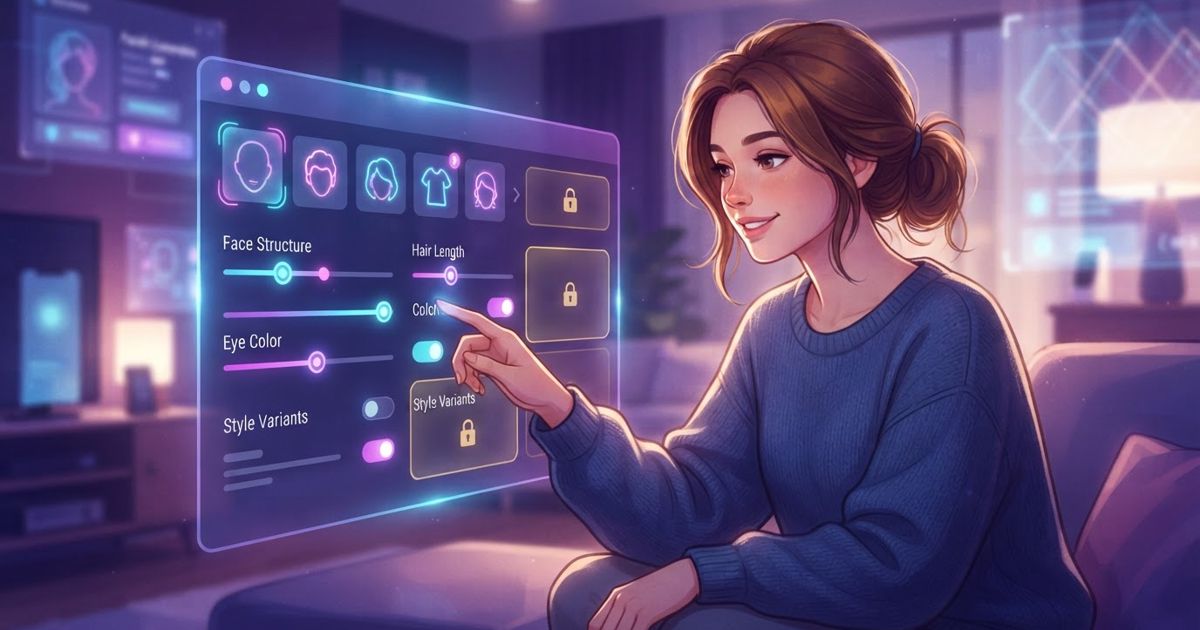
Table of contents
"Fully customizable companion" is one of the most common promises in this space. And there is real truth to it — modern apps let you shape a character far more than the scripted bots of a few years ago. But "fully" is marketing. Every app has limits, and understanding them before you invest saves disappointment and helps you pick the app whose flexibility matches what you actually care about. Here is an honest map of what you can usually change, what you often cannot, and why.
What you can usually customize
Most companion apps give you meaningful control over the following, though the depth varies:
- Appearance. Especially in image-oriented apps: hair, eyes, body type, style, and overall look. This is where visual apps compete hardest.
- Personality traits. Sliders or presets for warmth, playfulness, shyness, confidence, and similar dimensions.
- Name and basic identity. Almost universally editable.
- Backstory. Many apps let you write or pick a history for the character.
- Relationship framing. Friend, partner, mentor, or another role.
- Conversation style. Tone and formality, sometimes via explicit settings, sometimes shaped through chatting.
How much these settings actually influence behavior varies a lot. Some apps apply your choices consistently; others treat them as loose suggestions the model drifts away from over time. This gap between advertised and real customization is worth testing during a trial. It is also one of the things we weigh directly in our companion app scoring.
What you usually cannot change — and why
Limits fall into three categories, and it helps to tell them apart, because they mean different things for you.
Technical limits
Some things are hard to change because of how the underlying model works:
- Core intelligence and reasoning. You cannot make a companion meaningfully smarter than its base model. Customization shapes personality, not raw capability.
- The fundamental "voice" of the model. Every model has an underlying style that customization only paints over. Push a character far from that default and it tends to drift back.
- Deep, permanent memory. As covered in how AI companion memories work, memory is bounded by the app's architecture, not something you can expand by wishing for it.
Design limits
Other limits are choices the developer made:
- Available appearance or personality options. You can only pick from what the app offers. If it has no option for a trait you want, it is simply not there.
- Feature gating by tier. Deeper customization is frequently reserved for paid plans, so a limit you hit may be a paywall rather than a technical wall.
- The interaction model. Some apps are built around a fixed format — swipe-based, scenario-based, or roleplay-first — that you work within rather than reshape.
Safety and policy limits
Every reputable app enforces boundaries that no setting will override:
- Content rules. Each app has policies about what content it permits, and these are enforced regardless of your customization.
- Age and identity safeguards. Responsible apps prevent characters from being configured in ways that violate their rules, particularly anything involving minors — a firm line, not a setting.
- Real-person likenesses. Most apps restrict building a companion modeled on a specific real individual without authorization.
These policy limits are a feature, not a bug. An app with no boundaries at all is a warning sign, not a selling point — see our list of red flags in AI companion apps.
A realistic view of "customization depth"
It helps to picture customization as layers, from most to least flexible:
| Layer | How much you control |
|---|---|
| Surface: name, appearance, obvious traits | High — most apps handle this well |
| Behavioral: tone, style, how consistently traits hold | Moderate — varies widely by app |
| Structural: memory depth, intelligence, interaction format | Low — set by the app's architecture |
| Policy: content and safety boundaries | None — fixed by the provider |
Most marketing focuses on the top layer, where control is real and visible. Disappointment usually comes from the middle layer, where a companion looks customizable but does not consistently behave the way you set it to.
How to test customization before you pay
- Set an extreme personality and probe it. Configure a very specific trait, then steer the conversation to see whether it holds or drifts back to a generic default.
- Check consistency over a longer session. Customization that works for five minutes but fades after twenty is weaker than it appears.
- Find the paywall early. Note which options are locked to paid tiers so you know the true cost of the setup you want.
- Read the content policy. Know the fixed boundaries up front so you are not surprised later.
The honest bottom line
You can genuinely shape how a companion looks, what it is called, and much of how it behaves. You cannot change its underlying intelligence, its architectural memory limits, or the safety boundaries the provider enforces — and you should be wary of any app that claims otherwise. The best approach is to match an app's real strengths to your priorities: pick image-focused apps for visual control, memory-focused ones for continuity, and check every claim against a hands-on trial rather than the feature list.